



Key switch
instructions
- Product
- Key switch
- Applies to
- All Energy System kits
- Steps
- 5 illustrated steps
- Help
- WhatsApp, before and during
Universal, with two spare keys: where to mount it and how to connect it to the wiring harness.
- Steps 5 stepsFrom unboxing to the final test
- In the package InstructionsThe sheet with all the connections
- Help WhatsAppWe guide you through the installation
Step by step
How to install it.
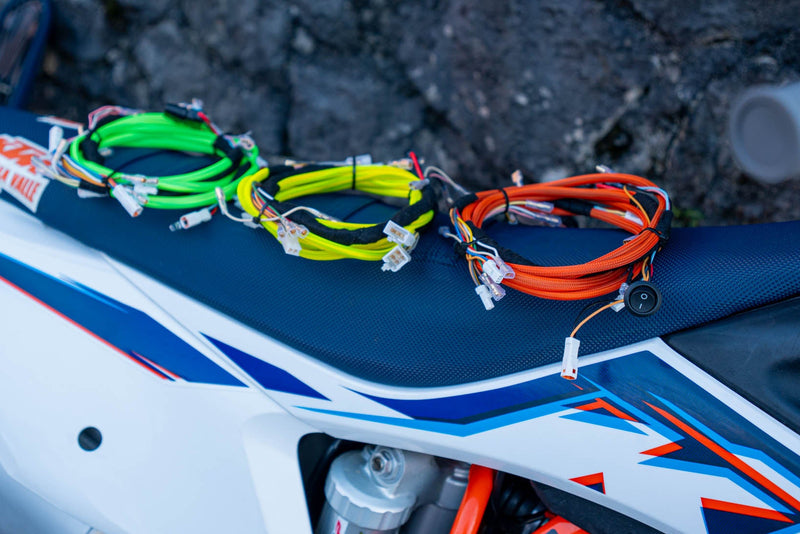
The Energy key switch connects to the Energy wiring harness or to your bike's original battery master switch. With the optional mounting bracket, installation is even easier.

-
01

Check the contents
In the package you'll find the key switch, 2 spare keys and — if you chose it when ordering — the mounting bracket.
-
02

Choose the position
Find a spot that's easy to reach from the saddle and protected from impacts, and make sure the key switch cable reaches the connection point without being stretched.
-
03

Mount the bracket (if included)
Fasten the mounting bracket to the frame and fit the key switch into its seat. If you're not using the bracket, secure the key switch in the position your setup provides for.
-
04

Connect the key switch
Connect the key switch to the dedicated connector on the Energy wiring harness or to your bike's original battery master switch: the connection works with either solution.
-
05

Test switching on and off
Turn the key and check that the vehicle switches on and off correctly. Finally, secure the cable with zip ties and keep the spare keys somewhere safe.


Questions about the connection?
Tell us what bike you have and how your wiring harness is set up: we'll show you the right connection on WhatsApp.